
Top 10 Apps for Canadian Small Businesses in 2026


Running a small business means wearing a lot of hats. From bookkeeping and payroll to invoicing and scheduling, it can quickly become overwhelming.
The right apps can help automate tasks, reduce paperwork, and give you better insight into your business finances. The tools below are some of our favourite apps that help Canadian small businesses stay organized and efficient.
If you're looking to simplify your workflow in 2026, here are our top ten apps worth considering.

Best for: Accounting & bookkeeping
QuickBooks Online continues to be one of the most widely used accounting platforms for small businesses in Canada. It allows business owners to track income and expenses, send invoices, reconcile bank accounts, and generate financial reports in one place.
Big changes came to the platform in 2025 that rolled out time-saving artificial intelligence features and advanced tools, helping you to stay compliant with the CRA.
With features like automatic bank feeds and customizable financial dashboards, it's helping business owners stay on top of their finances without spending hours on bookkeeping.
Key features:
Automated bank feeds
Expense tracking
GST/HST tracking
Financial reporting
User-friendly mobile app
Intuit Business Network
Integration with hundreds of business apps
For many small businesses, the accounting software becomes the central hub that other apps connect to. Choosing the right one is key to running your business.
Our clients are eligible for an exclusive rate not available to the public.

2. Dext (formerly Receipt Bank)
Best for: Receipt and expense management
Dext is one of the most popular tools for capturing receipts and automating expense tracking.
Instead of saving paper receipts or manually entering expenses, you can simply take a photo with your phone. Dext extracts the data and sends it directly to your accounting software.
No receipts? Many suppliers have opted for digital receipts and bills now. You can simply forward them to your very own provided Dext email address and the software will still handle it like a receipt.
Key features:
Snap photos of receipts
Forward online bills
Extracts key information automatically
Syncs with QuickBooks and other accounting software
Reduces manual data entry
This is a great tool for business owners who want to stay organized and avoid the dreaded “shoebox of receipts.”

3. Wagepoint
Best for: Canadian payroll
Payroll can be complicated in Canada with deductions, remittances, and year-end reporting.
Wagepoint is a Canadian payroll software designed specifically for small businesses. It handles payroll calculations, direct deposits, and tax remittances automatically.
Key features:
Automatic payroll calculations
CRA payroll remittances
Direct deposit for employees
T4 preparation
Employee self-serve portal
Wagepoint integrates easily with accounting platforms like QuickBooks, making payroll simple and compliant.
Wagepoint handles your CRA payroll remittances - automatically.

4. QuickBooks Time (formerly TSheets)
Best for: Employee time tracking
Tracking employee hours manually can lead to mistakes and payroll issues. QuickBooks Time makes it easy for employees to clock in and out using their phone or computer.
This is especially helpful for businesses with remote teams, field workers, or multiple job sites.
Key features:
Mobile time tracking
GPS location tracking (optional - we've seen our share of paranoid employees 😅)
Scheduling tools
Direct integration with payroll and QuickBooks
For small businesses managing employees, this app can save hours of administrative work every week.

5. Jobber
Best for: Service-based businesses
Jobber is an excellent tool for businesses that manage jobs, scheduling, and customer communication — such as contractors, landscapers, cleaning services, and repair companies.
It helps businesses organize their work, schedule crews, and send invoices once jobs are complete.
Key features:
Client management
Job scheduling
Invoicing
Online payments
Many Canadian service businesses rely on Jobber to keep operations running smoothly.
It connects your entire job workflow in one place — from quote to payment. Getting invoices out faster means getting paid faster.

6. Plooto
Best for: Payment automation
Plooto simplifies how businesses send and receive payments.
Instead of manually managing bill payments or waiting on cheques, Plooto allows businesses to automate accounts payable and receivable.
Key features:
Electronic payments
Approval workflows
Automated bill payments
Syncs with accounting software
It’s especially useful for businesses that handle a high volume of vendor payments or invoices.
In the age of postal strikes and mail fraud, Plooto is providing a more secure alternative to paper cheques.

7. HubSpot CRM
Best for: Managing customers and sales
Keeping track of customers, leads, and sales opportunities is essential for business growth. HubSpot CRM offers a free platform that helps businesses manage their customer relationships in one place.
Key features:
Contact management
Email tracking
Sales pipeline tracking
Marketing tools
If your business is in a growth phase, a good CRM helps ensure that no opportunity slips through the cracks.
A free CRM that keeps all customer contacts, emails, and sales opportunities organized in one place

8. 17hats
Best for: Client management and business organization
17hats is an all-in-one business management platform designed for small business owners who want to keep their workflows organized. It helps manage leads, clients, contracts, invoices, and communication all in one place.
For service-based businesses, freelancers, and consultants, it can replace multiple tools and keep everything streamlined.
Key features:
Client relationship management (CRM)
Online contracts and signatures
Invoicing and payment tracking
Workflow automation
Onboarding processes for new clients
Lead and project management
17hats is particularly helpful for businesses that want to automate repetitive administrative tasks and stay organized.
You can't overlook your onboarding and contracts; they make or break new customer relationships.

9. Everlance
Best for: Mileage and expense tracking
Everlance is a powerful tool for tracking mileage, expenses, and deductions — especially for businesses that drive frequently or operate mobile services.
The app automatically tracks trips and categorizes them, helping business owners stay organized and maximize tax deductions.
Key features:
Automatic mileage tracking
Expense tracking
Income tracking
Tax deduction reports
Mobile-friendly interface
For entrepreneurs who spend a lot of time on the road (or have employees that do), Everlance can simplify record-keeping and make tax time much easier. Mileage and distances are verifiable with it's handy tracking features, meaning no more inflated numbers from employees seeking reimbursements.
Bad news: Employee mileage theft happens. Good news: Everlance can save you thousands.
10. Canva
Best for: Marketing and visual content
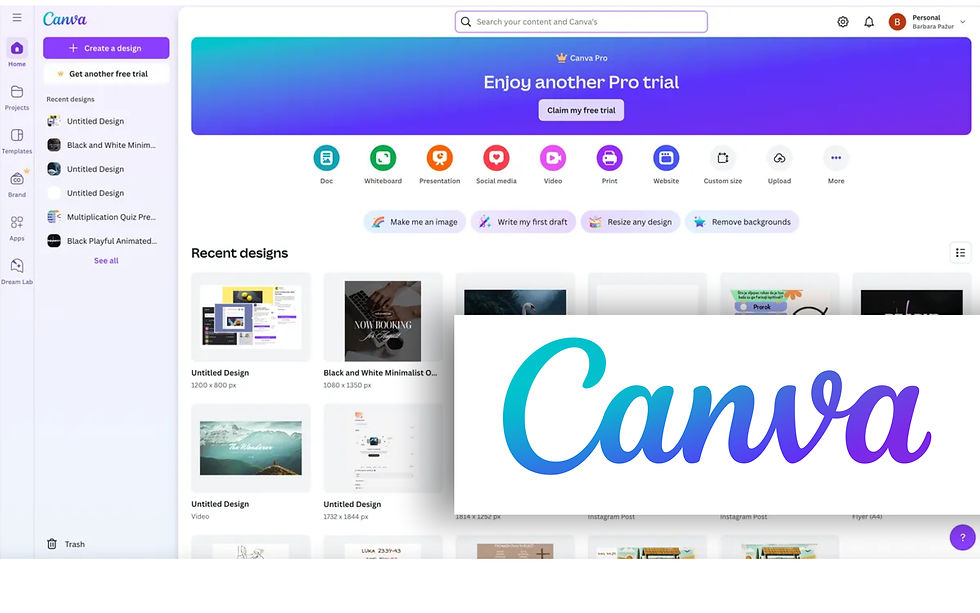
Canva is a powerful and easy-to-use design tool that helps small businesses create professional marketing materials (without needing a degree in graphic design).
From social media posts and presentations to flyers and business cards, Canva provides thousands of customizable templates that make it simple to maintain a consistent brand image.
Key features:
Social media post templates
Marketing materials and presentations
Brand kits for consistent colours and fonts
User-friendly drag-and-drop design tools
Team collaboration features
Many small businesses are managing their own marketing. Canva is an affordable way to create professional graphics, social media content, and promotional materials quickly.
Whether we like it or not, our businesses are competing for views. First impressions matter.
Choosing the Right Apps for Your Business
Every business operates differently, and the best tools depend on your industry, team size, and workflow. Even in two seemingly identical businesses, apps are still not a one-size-fits-all ordeal. Their use depends on personal preference, and we know every small business owner is unique.
The goal is to create a system where your apps work together seamlessly, saving you time and giving you financial clarity - two invaluable resources you can't get enough of as a Canadian small business owner.
At Simcoe Office Solutions, we help small businesses choose the right tools, set up their bookkeeping systems, and integrate apps to simplify your operations.
If you’d like help choosing the right apps for your business, contact us today and we'll get started building your holistic cloud accounting system.


Comments